How to Install CloudStream on Firestick — Complete Guide
Modern streaming has made it easier than ever to enjoy entertainment on various devices, including the FireStick. However, many streaming apps come with annoying ads, registration requirements, buffering issues, and slow playback—some even require a monthly subscription. Fortunately, you can install CloudStream on your FireStick, which offers a smoother way to watch HD-quality content. It provides buffer-free playback and features a user-friendly interface that children can easily understand, ensuring an uninterrupted viewing experience.
What is CloudStream APK?
CloudStream APK is the best free, ad-free streaming solution. It’s a powerful media player with add-on support. It does not host content directly; you have to download extensions/plugins to access multiple OTT platforms for free. CloudStream is a “streaming aggregator” — it aggregates content from everywhere but never owns or hosts it. Download repositories and extensions to enjoy movies and shows for free without any registration.
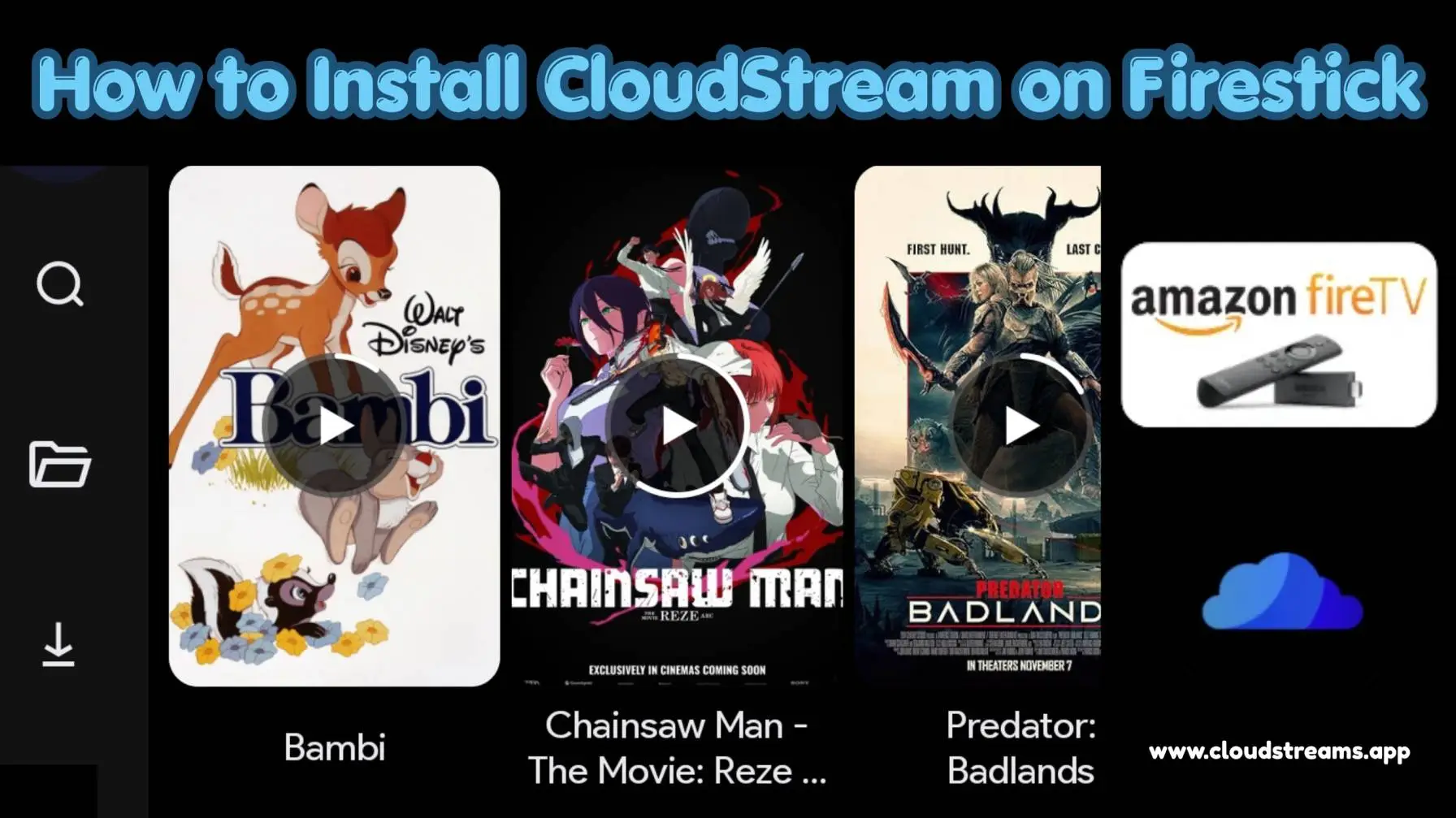
What Makes CloudStream Great Picks for Firestick Users
CloudStream is renowned for its extensive library of movies and TV shows, offering lag-free streaming links. It automatically retrieves the highest-quality streams, including Full HD and UHD, with minimal buffering. Here’s why the CloudStream APK for FireStick is essential.
- An advanced search algorithm for retrieving 720p to 4K links.
- Compatible with Firestick, allowing for remote control features such as voice commands, improved navigation, and volume adjustment.
- Easy setup with no login or activation required.
- A lightweight app featuring a clean interface.
- Notifications can be enabled for new movies and episodes.
- Completely free to use—no registration or payment necessary.
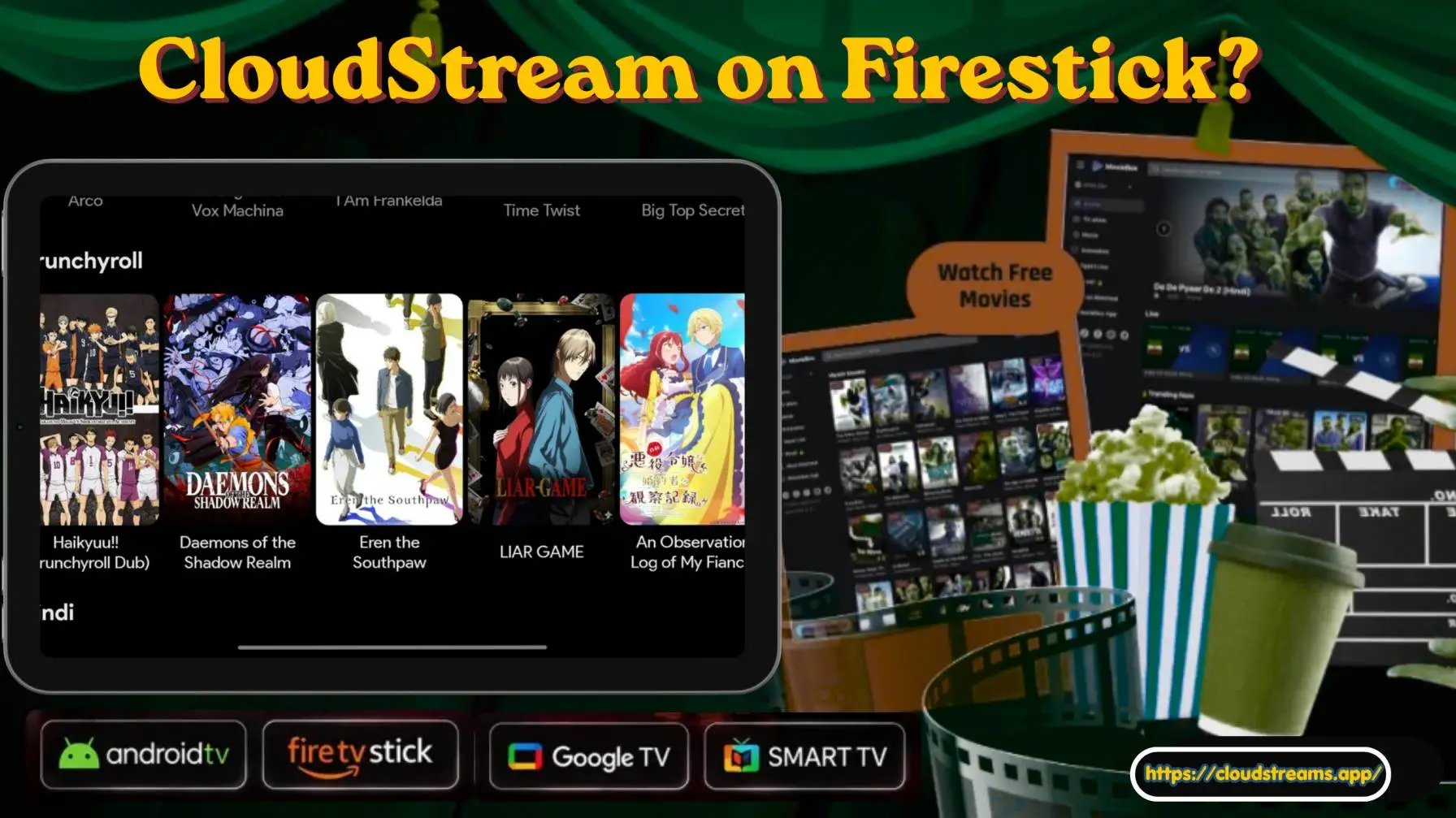
How to Install CloudStream on Firestick / Fire TV
Step 1: Enable Apps From Unknown Sources
Firstly, you have to go FireStick Settings, then open My Fire TV. Find Developer options and turn on apps from unknown sources.
Step 2: Install the Downloader App
Open the Amazon App Store, search for the Downloader app, then install it on your FireStick.
Step 3: Download CloudStream APK
Once the Downloader app is downloaded, launch it and enter the official https://cloudstreams.app/, then click on the download button to start the download process.
Step 4: Install the App
After the APK file is downloaded, select install and wait for the process to complete.
Step 5: Start CloudStream
Once installed, open CloudStream from your Fire TV home screen and start exploring the available content without any cost.
How to Update CloudStream APK
Keeping the CloudStream APK always updated. It can improve streaming performance and give you access to the latest version of the app. For update, open the Downloader app on your FireStick first, thing first visit the official sources cloudstreams.app. Download the latest APK file and install it over the older version. In most cases, you won’t need to uninstall the previous version, and your settings or watchlists will remain intact. Read Also: How to Update CloudStream in 2026
Frequently Asked Questions (FAQs)
Conclusion
CloudStream APK for Fire TV Stick is a useful option for users who want free HD entertainment on a bigger screen. This free streaming service offers thousands of entertainment materials without registration or signups. Cloudstream makes it simple to explore, stream and enjoy just like a premium OTT platform, including Netflix and HBO, but for free! Install it today and turn your Fire TV Stick into a full-fledged mini home cinema, grab a bowl of popcorn and enjoy your spare time with family and friends.